Online – in advance and on the day
Our live coverage will be streamed on the day but NFU members can submit questions beforehand – visit NFU26: Watch NFU Conference live (you will need to be logged in).
Once you are logged in, follow these simple steps:
- Choose the Conference session relevant to your question.
- Select the green Submit a question button from the Your questions panel on the right-hand side of the screen.
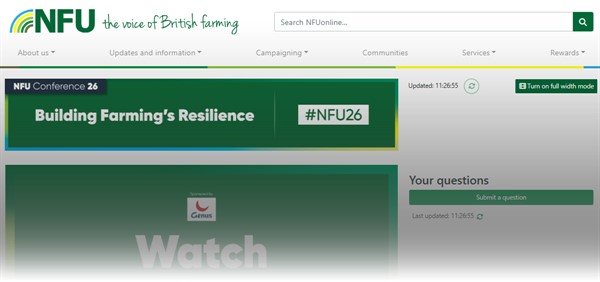
On other devices you will see the 'Submit a question' section when you scroll. - The question form will appear, pre-populated with your name (you can overwrite the name although the original name will be stored).
- Enter your question and select the Submit a question button.
- Tick the 'I will be attending' tick box to indicate whether you will be attending conference.
- Your question will then be sent for moderation.
See a question you like? Select the heart icon and that will help us prioritise the questions we ask on the day.
On the day: for delegates at Conference
Via the QR code on your Conference badge
- Scan the QR code on your Conference name badge.
- Enter your unique ID code printed below the QR code on your badge.
- Select the relevant conference session to submit questions for and select Submit question.
- The question form will appear, pre-populated with name of the registered delegate (this can be overwritten).
- Type in your question and press Submit question.
- Your question will then be sent for moderation.
Submit questions on paper
The preferred method for submitting questions is via the QR code on your conference badge.
However, delegates can also submit questions on paper and can collect a question form from the Conference registration area.
Please complete the form, including subject and line of argument and hand it in to the main registration area.
Please note that all question registration forms should be completed and handed to a member of NFU staff in the main registration area at least 60 minutes before the relevant session commences.
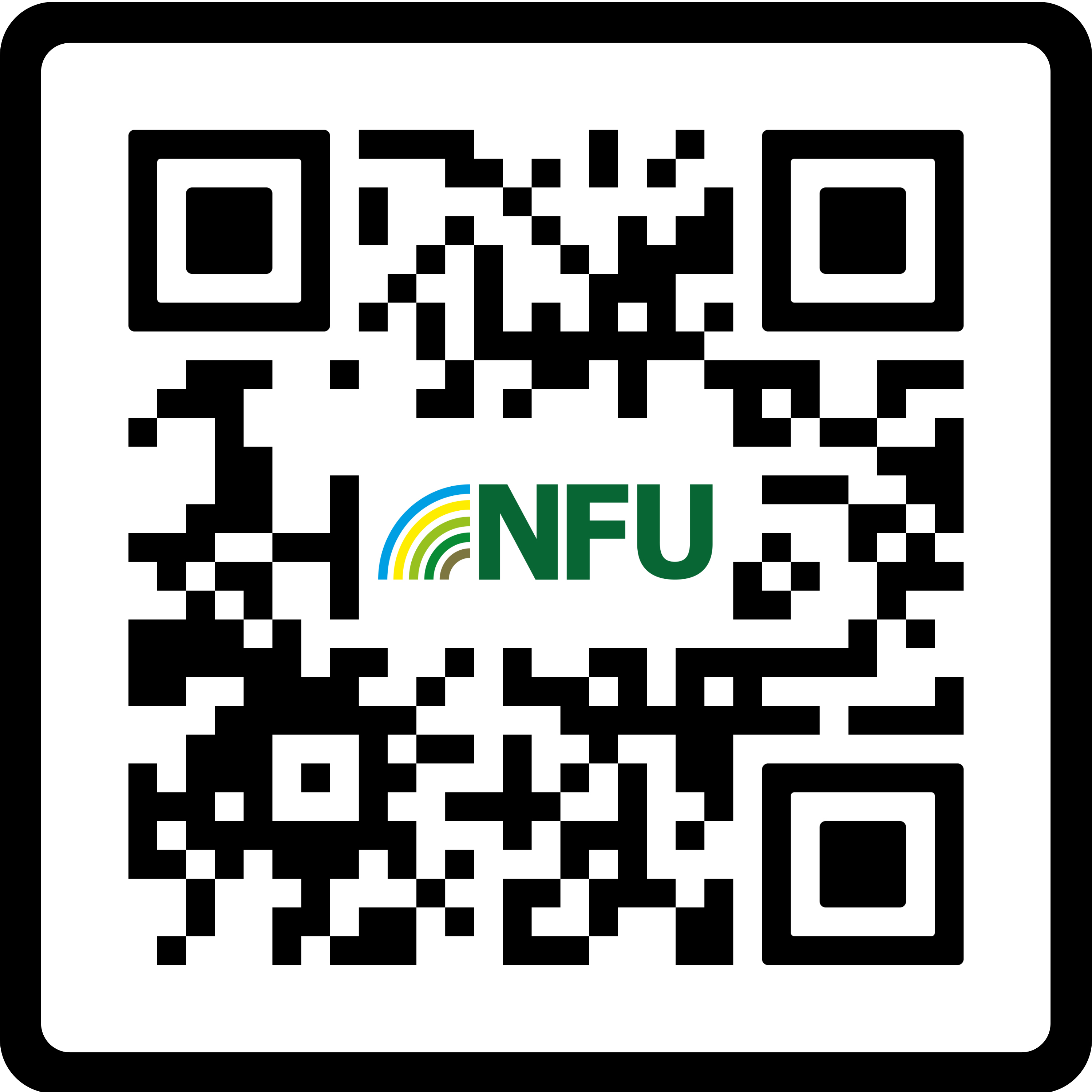
Scan this QR code to download the NFU app.
Download the NFU app to get the most out of NFU Conference.
You'll find key on-the-day information and reports from all the sessions.
Plus... switch on your NFU app notifications to get updates of the key Conference moments.
To download, scan the QR code or visit the Google Play or Apple App Store.